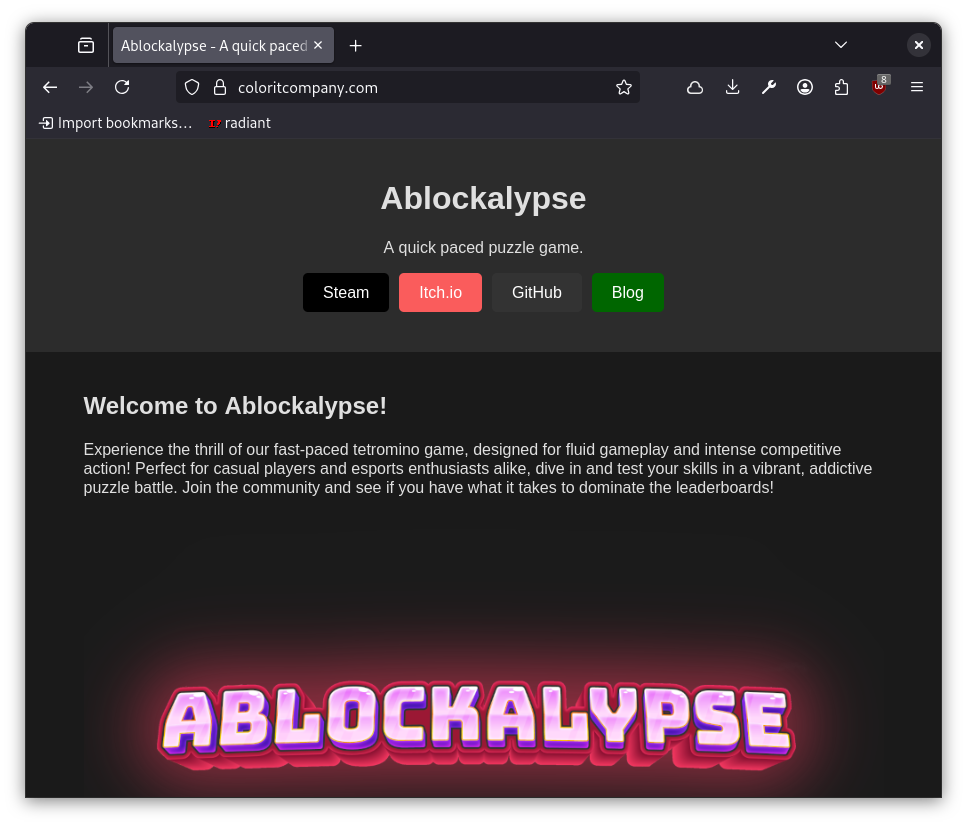
Navigate to www.coloritcompany.com
Click on Steam on the top left of the page.
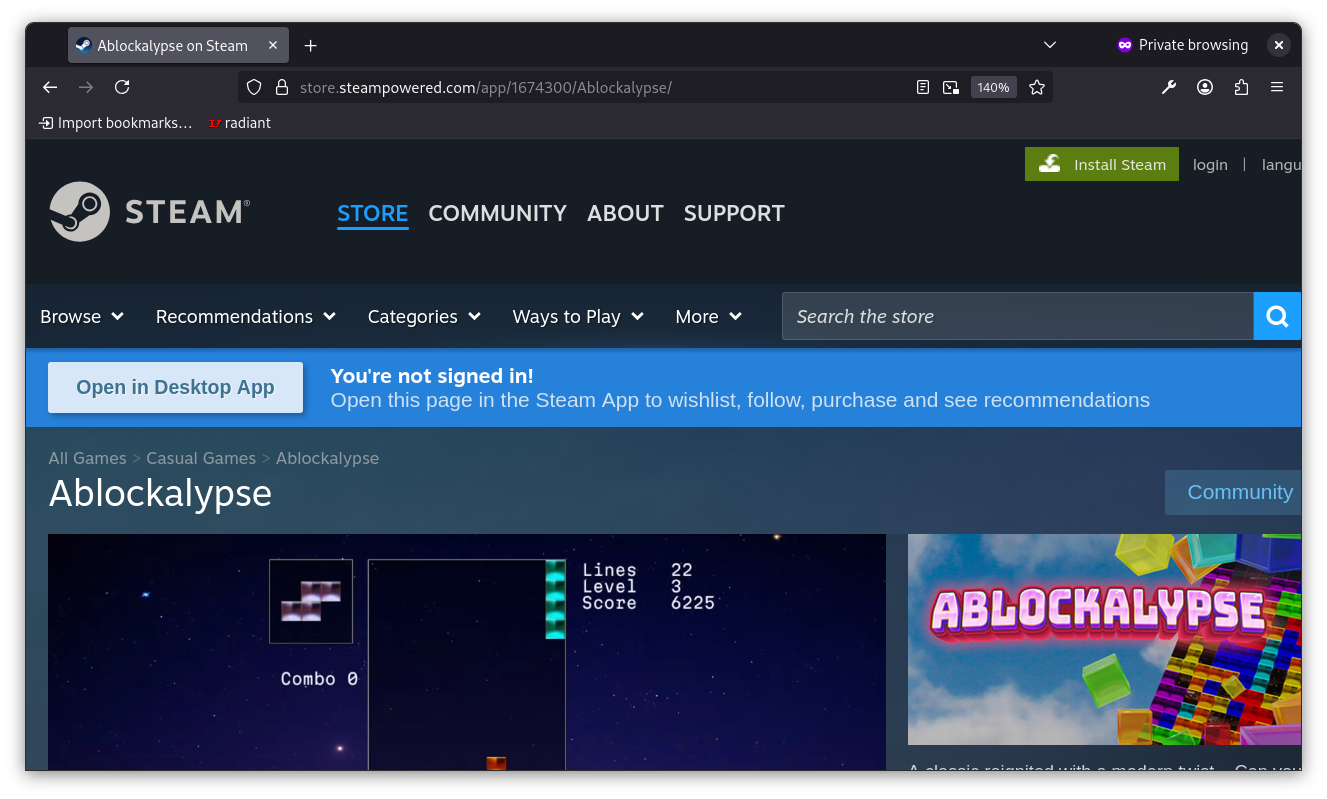
From the Steam page, click on the green button on the top right that says "Install Steam".
Click again on the next "Install Steam" button which is blue and on the bottom left.
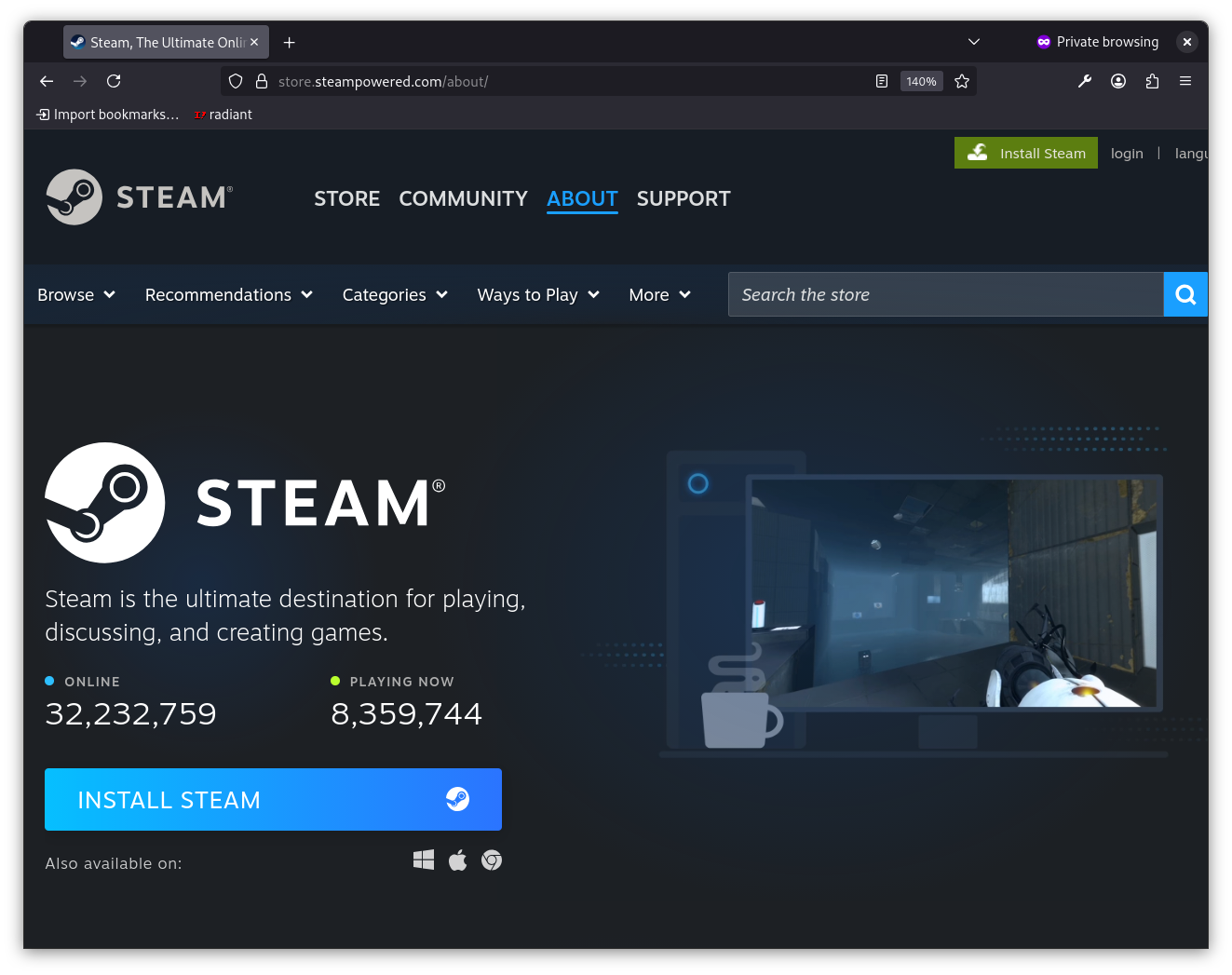
An executable file will be downloaded to your computer. Double click on the .exe file to install Steam.
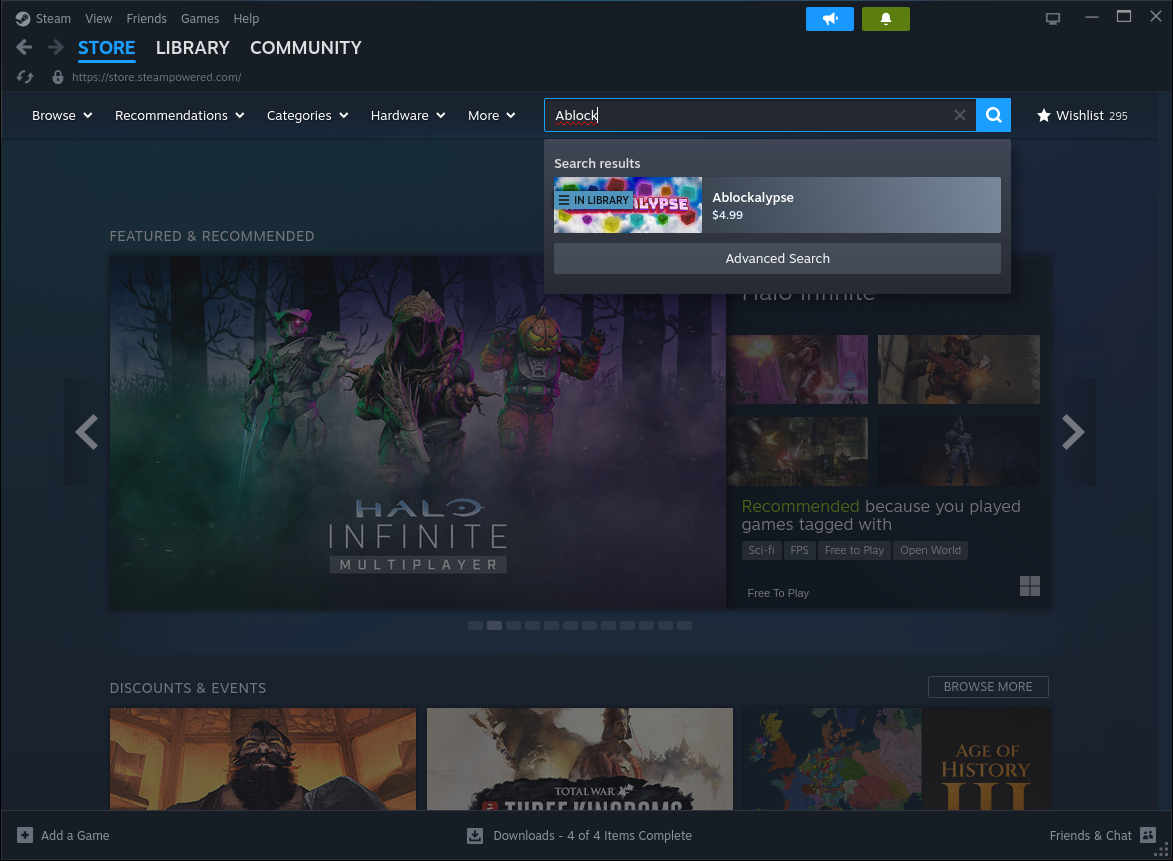
Once you have installed Steam, navigate to the STORE tab, and search for "Ablockalypse" in the search box on the top right.
From the Ablockalypse page on Steam, click on "Add to Cart".
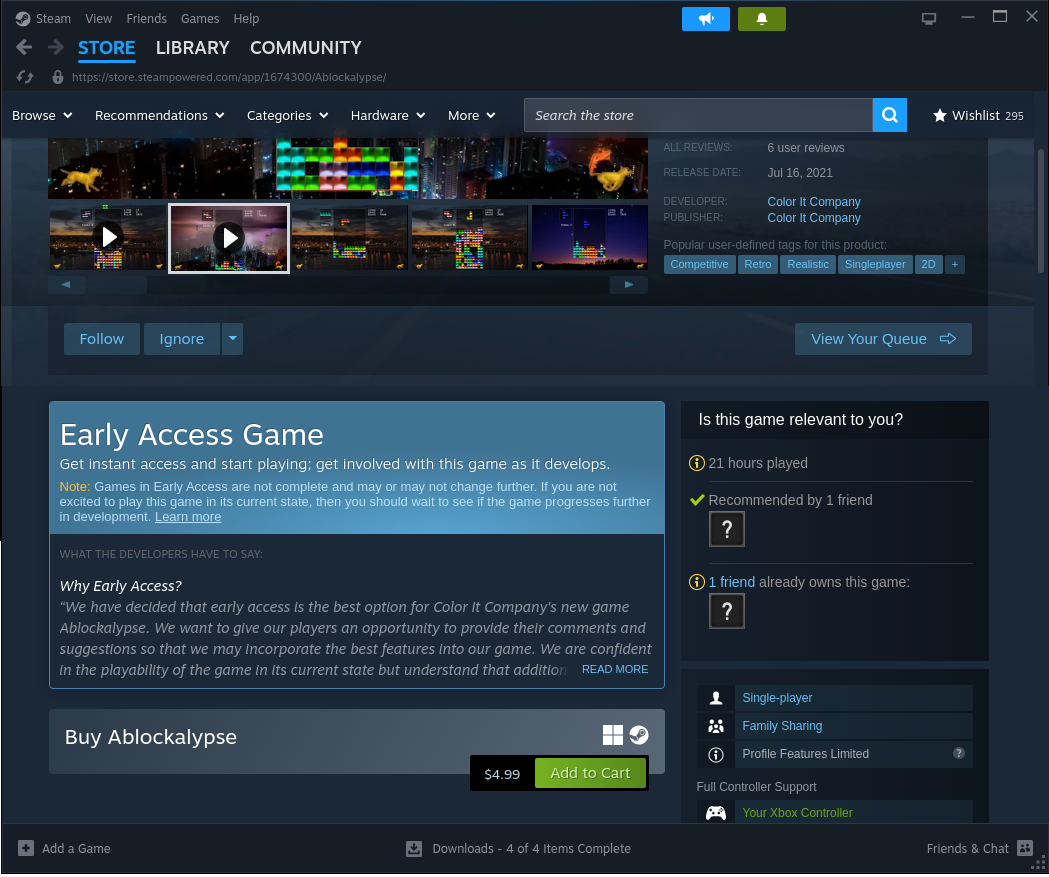

A dialog should pop up with a button you can click to view your cart.

There will then be another button which will take you to a screen to enter your payment information.

Once you have purchased the game and added it to your Steam account, you can play it from the LIBRARY tab in Steam.
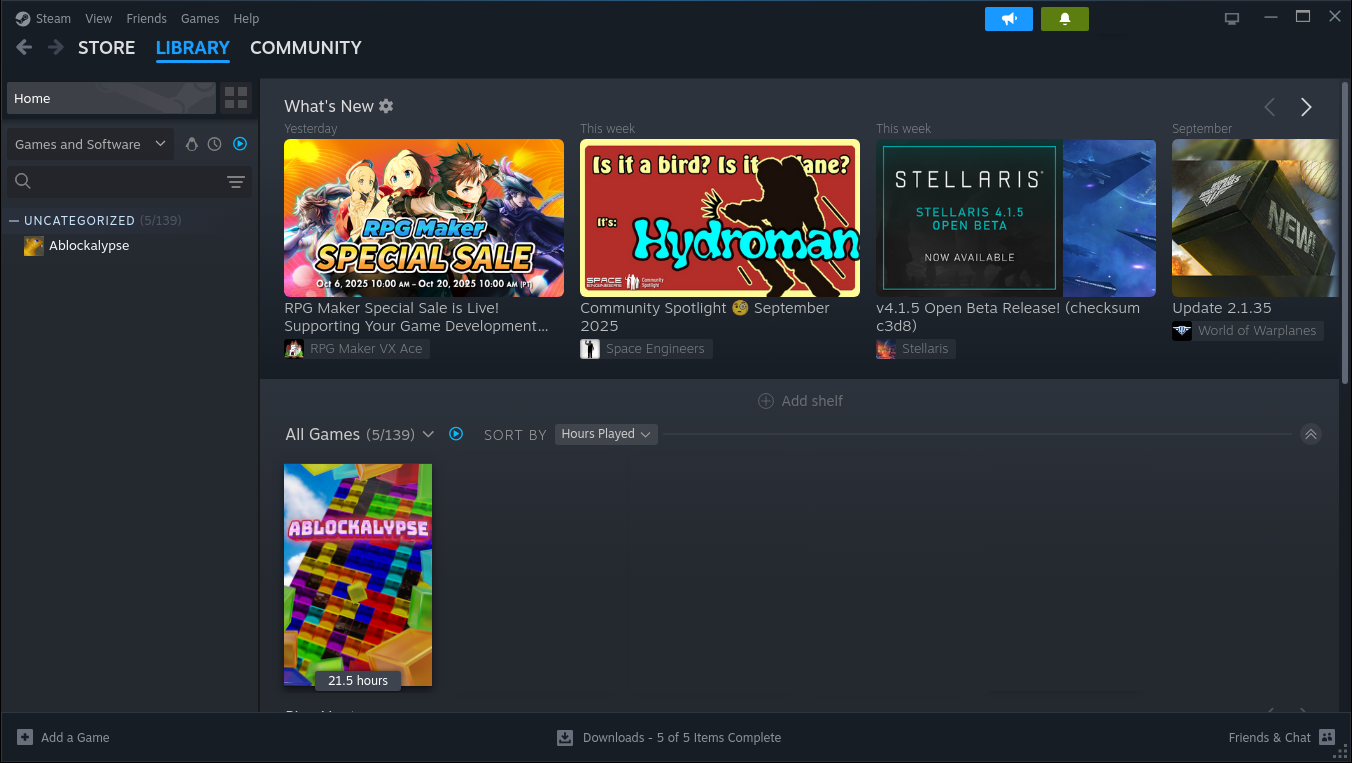
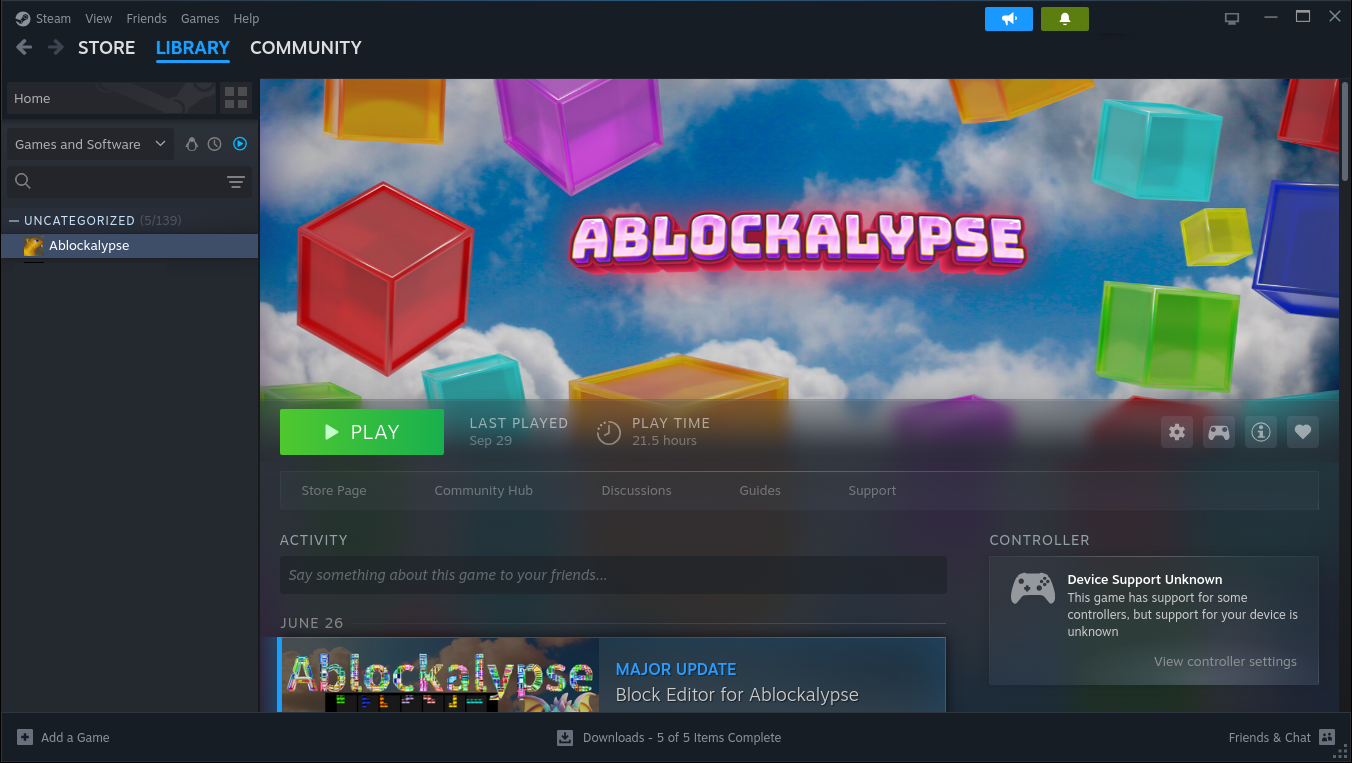
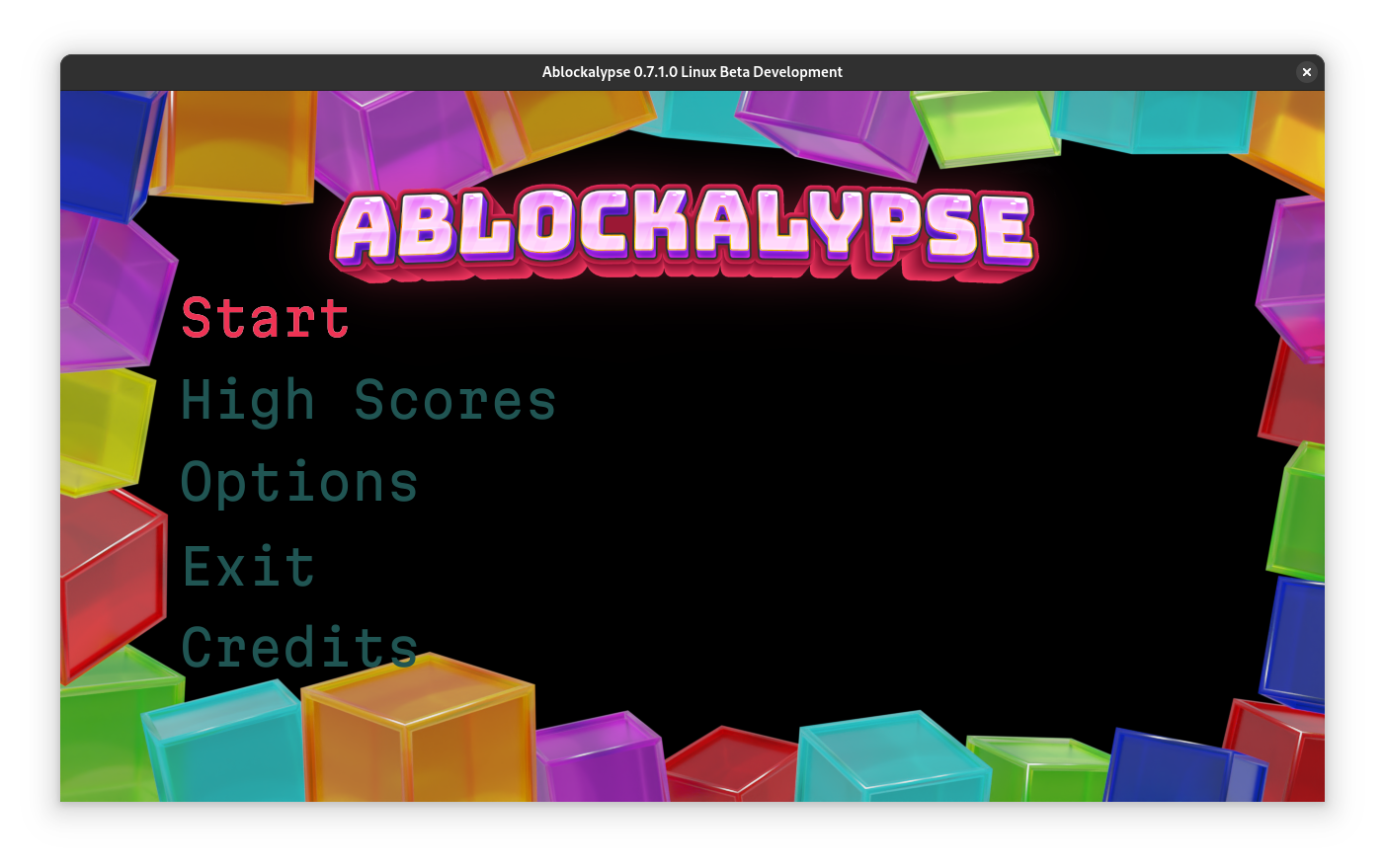
Select Ablockalypse from the list on the left and click on "Play".
The game will start in Window mode. Press Alt+Enter to go to full screen mode.
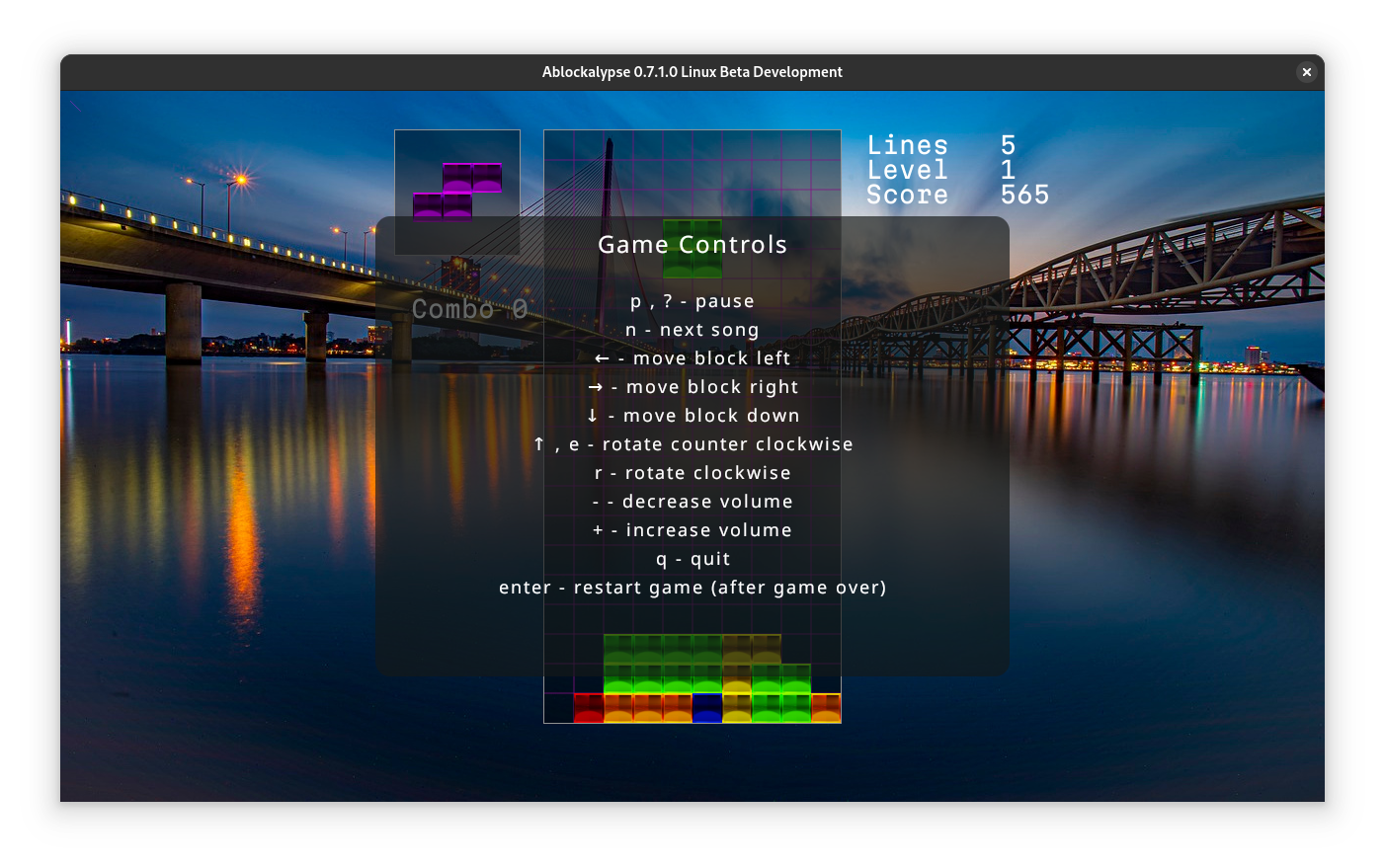
Press the ? (question mark key) to see the controls that are used for the game.